
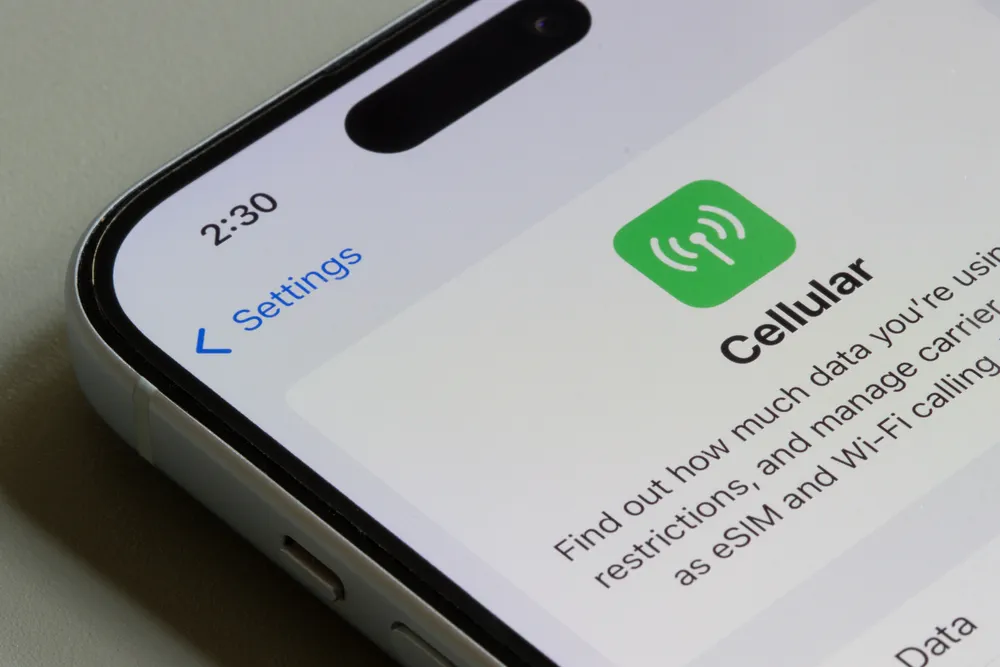
The way people connect to mobile networks has changed dramatically, and Apple has played a major role in that shift. With eSIM now built into modern iPhones, users no longer need to rely on physical SIM cards to stay connected. Everything happens digitally, from activation to switching networks while traveling.
This eSIM guide for iPhones explains what eSIM is, how it works on iPhone, how to set it up, and how to use it confidently whether you are at home or traveling abroad. If you have ever felt confused about iPhone eSIM settings or activation steps, this guide covers it all in simple, practical language.
What Is eSIM on iPhone
An eSIM is a built in digital SIM that replaces the traditional plastic SIM card. Instead of inserting a physical chip into your device, your mobile plan is downloaded directly onto the phone.
On iPhone, eSIM allows users to store multiple cellular plans at once and switch between them through software settings. Apple first introduced eSIM support with the iPhone XS and XR, and newer models have expanded these capabilities further. In some regions, recent iPhones no longer include a physical SIM tray at all.
Apple explains that eSIM is designed to make connectivity easier, faster, and more flexible, especially for users who travel or switch networks frequently.
Why Apple Uses eSIM Technology
Apple’s move toward eSIM is about convenience and long term device design. Removing physical SIM cards frees up internal space, improves water resistance, and reduces wear from inserting and removing trays.
From a user perspective, eSIM makes it easier to switch carriers, manage multiple plans, and avoid the hassle of buying physical SIM cards while traveling. According to the GSMA, the global organization representing mobile operators, eSIM adoption is increasing worldwide as more carriers and devices support it.
How Does eSIM Work on iPhone
To understand how does eSIM work on iPhone, it helps to look at the activation process. Instead of inserting a SIM card, your carrier provides a digital profile. This profile contains the network credentials your iPhone needs to connect to mobile service. Behind every eSIM activation is a secure system that delivers your carrier profile to the device, often referred to as the SM-DP address.
Activation usually happens in one of three ways:
- Scanning a QR code from the carrier
- Installing the plan through a carrier app
- Automatic activation after purchasing a supported plan
Once installed, the eSIM works just like a physical SIM. You can make calls, send messages, and use mobile data without any functional difference.
iPhone Models That Support eSIM
Not all iPhones support eSIM, so compatibility matters. Apple introduced eSIM starting with:
- iPhone XS and XS Max
- iPhone XR
All newer models support eSIM, including Pro versions. Some models allow one physical SIM and one eSIM, while others support two active eSIMs at the same time. Apple maintains an updated compatibility list here.
How to Use eSIM on iPhone Step by Step
Setting up eSIM on an iPhone is straightforward.
- Connect your iPhone to WiFi
- Open Settings and tap Cellular
- Select Add Cellular Plan
- Scan the QR code or follow your carrier’s instructions
After installation, you can label the plan, choose which line handles data, and set a default line for calls and messages. These options are managed under iPhone eSIM settings, giving you full control over each plan.
This process explains how to use eSIM on iPhone without needing any physical tools.
How to Activate eSIM on iPhone
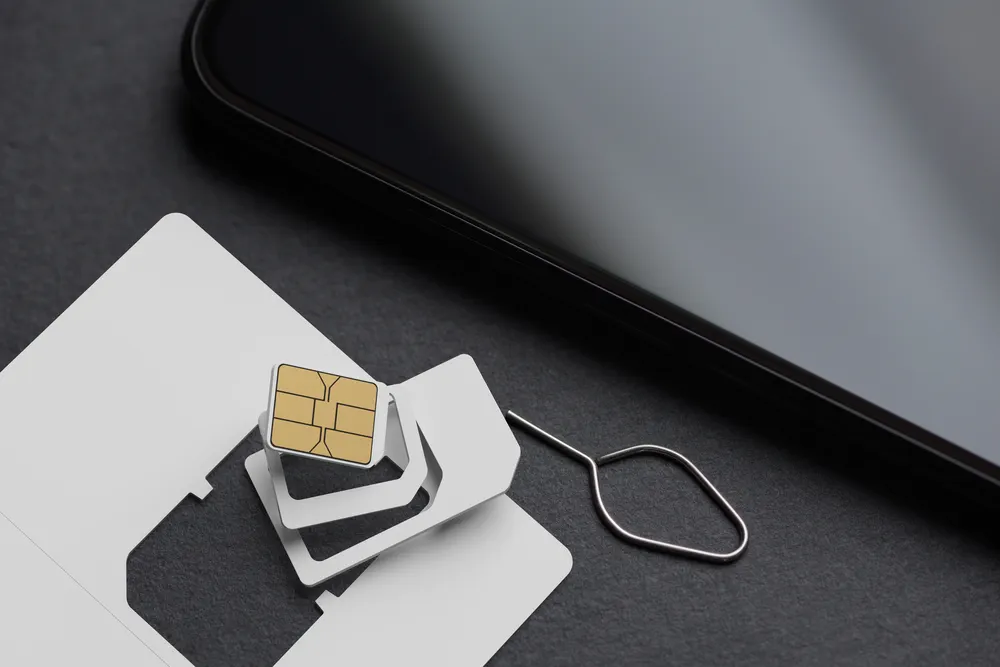
To activate eSIM iPhone users usually need confirmation from the carrier. In most cases, activation completes within a few minutes. Some carriers may require a restart or additional verification.
If activation fails, Apple recommends checking that:
- Your iPhone is unlocked
- iOS is updated
- The carrier supports eSIM for your model
Before activating an eSIM, make sure your device is not restricted to a single network, as a carrier locked iPhone may prevent successful eSIM activation.
Managing Multiple eSIMs on One iPhone
One major advantage of eSIM is the ability to store multiple plans on one device. This is especially useful for travelers who want to keep their home number active while using a separate data plan abroad.
From Cellular settings, you can turn plans on or off, switch which plan uses data, and rename each line for clarity. This flexibility is why eSIMs for iPhone have become popular among frequent travelers and remote workers.
Users who rely on video calls should also be aware of FaceTime data consumption when deciding which eSIM line handles mobile data.
Using eSIM for International Travel
International travel is where eSIM truly stands out. Instead of buying a local SIM card or paying high roaming fees, travelers can install a regional or global eSIM before departure.
During one international trip, I installed an eSIM while still at home on WiFi. When I landed, mobile data connected automatically without visiting a store or changing SIM cards. That experience showed how much time and stress eSIM can save while traveling.
If you stream movies or shows while traveling, understanding Netflix data usage becomes important when choosing a mobile data plan.
Security and Privacy of eSIM on iPhone
Apple places strong emphasis on security, and eSIM is no exception. eSIM profiles are encrypted and managed within iOS, reducing the risk of physical SIM theft or SIM swapping.
Apple has also stated that eSIM cannot be physically removed, which adds an extra layer of protection compared to traditional SIM cards.
Common iPhone eSIM Problems and Fixes
Most eSIM issues are easy to resolve. Common problems include no signal, activation failure, or incorrect data usage.
Simple fixes include:
- Restarting the iPhone
- Reinstalling the eSIM profile
- Resetting network settings
If issues continue, contacting the carrier is usually the fastest solution.
Is eSIM Better Than a Physical SIM
For most users, eSIM offers more advantages than physical SIM cards. It allows faster setup, easier switching, and better travel flexibility. Physical SIMs may still be useful in regions with limited eSIM support, but Apple’s direction shows where the industry is heading.
Who Should Use eSIM on iPhone

eSIM is ideal for:
- Frequent travelers
- Remote workers
- Users with multiple phone numbers
- People who want flexibility without physical SIM cards
Even everyday users benefit from the convenience and simplicity eSIM provides.
Frequently Asked Questions About iPhone eSIM
What is an electronic SIM card iPhone users refer to
It is a built in digital SIM that replaces a physical SIM card and allows mobile plans to be downloaded directly to the phone.
Can I remove eSIM from my iPhone
Yes. You can delete an eSIM profile anytime from Cellular settings.
Does eSIM drain more battery
No. Apple confirms eSIM uses the same power management system as physical SIMs.
Final Thoughts
eSIM is now a core part of the iPhone experience. With Apple fully committed to this technology, understanding how it works is essential for modern smartphone users.This eSIM guide for iPhones gives you everything you need to confidently set up, activate, and use eSIM on your device whether at home or abroad.

