
Staying connected should never be a guessing game. Yet many travelers only discover their iPhone is carrier locked at the worst possible moment. This usually happens when switching networks, activating a travel eSIM, or landing in a new country and trying to connect right away. When that happens, one question matters more than anything else: how do you know if your iPhone is unlocked?
This guide walks you through clear, reliable ways to check your iPhone’s carrier lock status using methods that work on current iOS versions as of 2026. Everything here is practical, accurate, and aligned with how Apple and mobile carriers actually manage device restrictions today.
What Carrier Unlocked Means for Your iPhone
An unlocked iPhone is not restricted to a single mobile network. It can connect to SIM cards and eSIMs from different carriers, both at home and abroad. A carrier locked iPhone only works with the network it was originally tied to.
This distinction affects how freely you can use your device.
An unlocked iPhone allows you to
- Switch carriers without changing phones
- Use local SIMs or travel eSIMs when abroad
- Avoid high roaming charges
- Maintain better resale value
For travelers and digital-first users, understanding how do you know if your iPhone is unlocked is a basic step toward stress-free connectivity.
Check Unlock Status Directly in iPhone Settings
The most reliable and fastest method is built directly into iOS.
To check your iPhone
- Open Settings
- Tap General
- Select About
- Scroll to Carrier Lock or Network Provider Lock
If the status shows No SIM restrictions, your iPhone is unlocked. If a carrier name appears, the device is still locked.
This information reflects the official activation policy stored on Apple’s servers and displayed on your device. According to guidance from Apple, the status updates automatically once a carrier completes an unlock request.
For most users, this single screen answers how do you know if your iPhone is unlocked without needing any additional tools.
Confirm With a SIM Card From Another Carrier
If you want practical confirmation, testing with a different SIM card is a dependable option.
Steps to test
- Power off your iPhone
- Insert a SIM card from another carrier
- Turn the phone back on
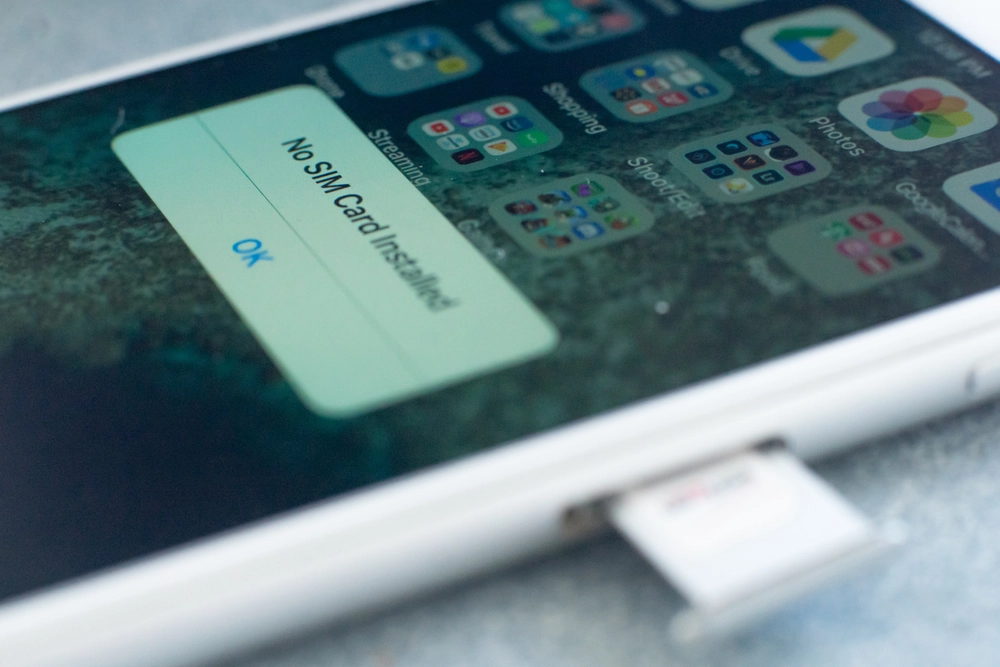
If the phone connects normally and allows calls or mobile data, it is unlocked. If you see messages such as SIM not supported or Invalid SIM, the device remains locked.
This method is especially helpful if you are asking how can you tell if your iPhone is unlocked and already have access to another SIM.
Use IMEI for an Unlocked iPhone Check
Your IMEI number provides another reliable way to confirm carrier status, particularly when buying or selling a device.
To find your IMEI
- Dial *#06# on your iPhone
- Or go to Settings, then General, then About
Once you have the IMEI, you can verify it using trusted platforms such as
These services show whether the phone is locked, unlocked, or blocked. This approach is commonly used as part of a full Unlocked iPhone check before purchasing a second-hand device.
Confirming Unlock Status With Your Carrier
If there is still any uncertainty, contacting your carrier provides the most authoritative confirmation.
Carriers typically ask for
- Your IMEI number
- Confirmation that the device is fully paid off
It is important to understand that Apple does not unlock iPhones directly. Unlocking is controlled by the carrier. Apple can confirm status, but only the carrier can remove restrictions.
This step is often necessary for users researching how to check if iPhone is carrier locked, especially after purchasing a refurbished or previously owned device.
Why Unlock Status Matters More Than Ever
Mobile connectivity has changed. Travelers now rely on instant access for navigation, bookings, communication, and work. A locked phone limits those options.
Industry analyst Ben Wood from CCS Insight noted during a 2025 briefing that consumers increasingly expect phones to work across networks by default. As eSIM usage becomes standard, carrier restrictions are seen less as protection and more as friction.
This shift explains why questions around how do you know if your iPhone is unlocked continue to grow, especially among international travelers.
On a recent trip through Southeast Asia, I assumed my iPhone was unlocked because it had been paid off. At the airport, my travel eSIM failed to activate. A quick check in settings showed the phone was still locked to my original carrier. Since then, I always verify unlock status before traveling instead of relying on assumptions.
That simple habit has prevented repeat issues and unnecessary stress.
Common Myths That Cause Confusion
Several misconceptions still lead users to incorrect assumptions.
Many people believe
- Paying off a phone unlocks it automatically
- Carrier-sold iPhones are always unlocked
- Software updates remove carrier restrictions
In reality, unlocking must be approved by the carrier. Payment status alone does not guarantee unlock completion, and iOS updates do not affect carrier lock policies.
Apple clearly separates ownership from activation policy in its official documentation.
Final Thoughts
Reliable connectivity starts with clarity. Never assume your iPhone is unlocked, especially before switching carriers or traveling internationally.
By checking settings, testing with another SIM, or using your IMEI, you now know exactly how do you know if your iPhone is unlocked using methods that are accurate, current, and trusted. Taking a few minutes to verify today ensures flexibility, confidence, and uninterrupted connectivity wherever you go.
Quick Answers to Common Questions
How do you know if your iPhone is unlocked without a SIM
Check Settings, then General, then About. If it shows No SIM restrictions, the phone is unlocked.
How to tell if phone is unlocked iPhone when buying used
Use the settings check first, then confirm with an IMEI lookup.
How can you tell if your iPhone is unlocked after switching carriers
Restart the phone and recheck the Carrier Lock field once the carrier confirms the unlock.
When should you check before travel
A few days before departure, in case the carrier needs time to process the request.

